Class ChatbotComponent
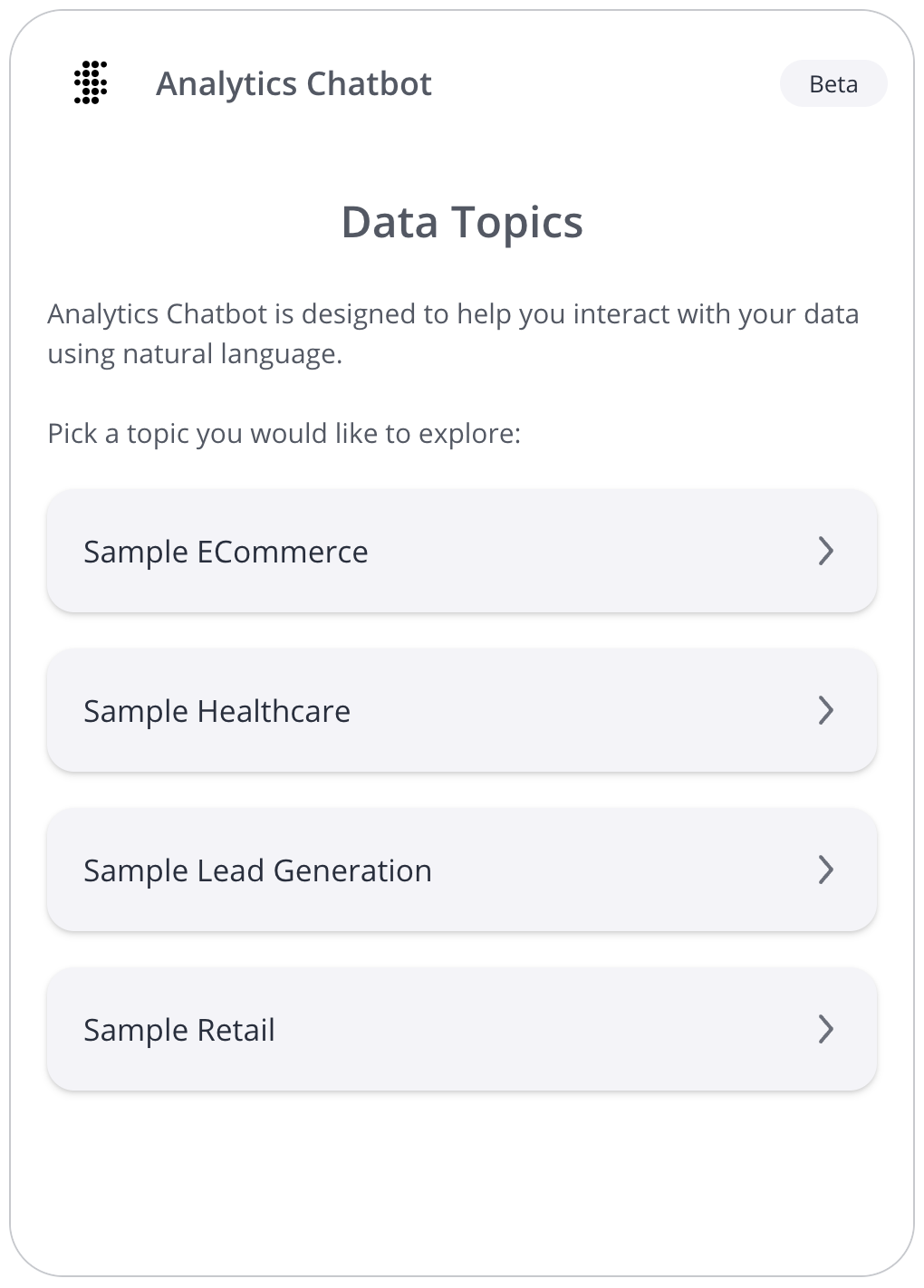
An Angular component that renders a chatbot with data topic selection.
Example
An example of using the ChatbotComponent:
<!--Component HTML template in example.component.html-->
<csdk-chatbot
 [width]="chatbot.width"
 [height]="chatbot.height"
 [config]="chatbot.config"
/>
// Component behavior in example.component.ts
import { Component } from '@angular/core';

@Component({
 selector: 'example',
 templateUrl: './example.component.html',
 styleUrls: ['./example.component.scss'],
})
export class ExampleComponent {
 chatbot = {
   width: '500px',
   height: '700px',
   config: {
     numOfRecommendations: 5,
   },
 };
}
Implements
AfterViewInitOnChangesOnDestroy
Constructors
constructor
new ChatbotComponent(
sisenseContextService,themeService,aiService):ChatbotComponent
Constructor for the ChatbotComponent.
Parameters
| Parameter | Type | Description |
|---|---|---|
sisenseContextService | SisenseContextService | Sisense context service |
themeService | ThemeService | Theme service |
aiService | AiService | AI service |
Returns
Properties
Constructor
aiService
aiService:
AiService
AI service
sisenseContextService
sisenseContextService:
SisenseContextService
Sisense context service
themeService
themeService:
ThemeService
Theme service
Other
config
config:
Partial<ChatConfig> |undefined
Various configuration options for the chatbot
height
height:
Height<number|string> |undefined
Total height of the chatbot
If not specified, a default height of 900px will be used.
width
width:
Width<number|string> |undefined
Total width of the chatbot
If not specified, a default width of 500px will be used.